
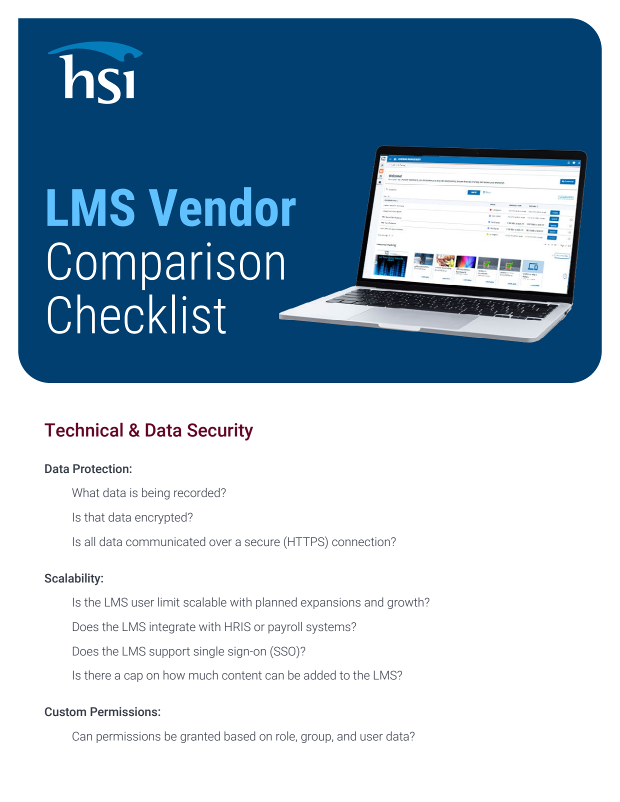
Comparing learning management systems is easier when every vendor answers the same questions. HSI's LMS Vendor Comparison Checklist organizes those questions into four sections. Technical and data security covers encryption, HTTPS, scalability, SSO, HRIS and payroll integration, permissions and user data synchronization. Administrative experience addresses automated enrollment, classroom tracking, notifications, reporting, administrator roles, content options such as SCORM/AICC uploads, competency management and exam editing. Learner engagement looks at self-registration, transcripts, mobile learning, training reinforcement, self-directed learning and course search. A final section goes beyond core features to strategic roadmap, implementation time and cost, customer support coverage and integration with safety and chemical management tools. Use it as a ready-made scorecard during demos so you can compare vendors side by side and spot extra fees before you commit.
Questions to ask every LMS vendor
LMS Vendor Comparison Checklist
 Content provided by HSI
Sitting through LMS demos without a consistent set of questions makes every platform look alike. HSI's checklist gives you the questions to put to each vendor, from data encryption and automated enrollment to mobile learning, implementation costs and what customer support really includes. Check the boxes as you go and compare vendors on equal terms.
- Four evaluation sections
- Ready-to-use vendor questions
- Hidden cost checks
What you'll get
A printable, section-by-section checklist of the questions to ask every LMS vendor, covering technology, administration, learner experience and the support and cost factors beyond core features.
Security and Integration
Questions on encryption, HTTPS, SSO, permissions and syncing user data with HRIS or payroll systems.
Admin Efficiency Checks
Evaluate automated enrollment, reporting, administrator roles, content uploads, competency tracks and exam editing capabilities.
Learner Experience Criteria
Assess self-registration, transcripts, mobile access, training reinforcement, course search and how many clicks content takes.
Support and Roadmap
Ask about implementation time and cost, extra fees for new features and what customer support includes.