
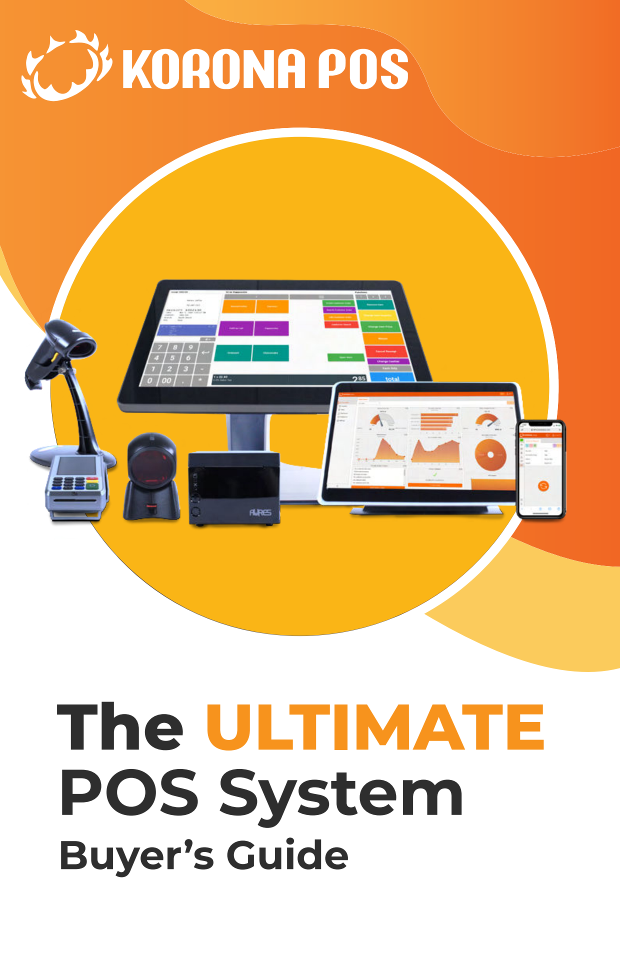

Choosing a point of sale system is one of the few purchases that touches every part of a retail business at once. It shapes how quickly customers get through checkout, how accurately you track inventory, and how much of each sale you actually keep. With thousands of options on the market, many owners compare monthly software prices, pick the cheapest, and only later discover the costs hiding in processing rates, support charges and contracts that are hard to exit. This POS system buyer's guide from KORONA POS is written for retailers who want to get the decision right the first time.
It suits a first-time buyer opening a new store as well as an owner replacing an aging system or adding registers across several locations. The focus throughout is practical. What do you actually need, what will it cost over time, and where do buyers tend to get caught out?
How to approach choosing a POS system for your store
Most businesses judge a POS on three things: features, upfront investment and ongoing cost. The guide explains why each matters and why a low price means little if the system doesn't fit how your store runs. It also points to a cost many buyers overlook entirely: the staff hours lost to clunky design and manual data entry.
From there, it works through eight questions every retailer should consider before signing with a vendor. Among other things, you'll be able to weigh:
- Desktop, mobile or combined hardware, and which store layouts each one suits
- Which peripherals are must-haves and which are optional
- Cloud POS versus a legacy on-premises system
- Subscription software versus buying a license outright
- The integrations and industry-specific features worth asking about
- What to expect from support and how to think about contract length
The section on integrations is especially helpful if you rely on accounting, loyalty or eCommerce tools. It shows why you should list the apps you plan to use before you commit, rather than after. You'll also find examples of niche capabilities suited to coffee shops, liquor stores, convenience stores and multi-vertical businesses like wineries and museums, along with a broader set of features to look for in retail POS software.
What POS pricing and hardware costs really include
Sticker prices rarely tell the whole story. The guide gives estimated cost ranges for each major part of a POS purchase: software subscriptions, one-time licenses, hardware, installation and training, customer support, and the penalties that come with long-term contracts. A separate pricing chart breaks out typical POS hardware costs by device type, from full desktop stations down to cash drawers and barcode scanners.
That makes it a useful planning tool. You can sketch a realistic budget before talking to vendors, spot quotes that look out of line, and understand which "free" offers usually come with strings attached. The guide is direct about those strings, including free hardware tied to higher rates later and support that is billed by the hour.
Credit card processing fees and how they add up
Processing is often the largest long-term expense of running a POS, and it is the area buyers understand least. The guide explains the four types of credit card processing fees, who collects each one, and which parts you can negotiate or avoid. It also walks through a worked example showing how a small difference in your rate turns into a meaningful sum over a year of sales.
You'll learn why it pays to shop around for a processor, why bundling your POS and payment processing with one company can limit your options, and which add-on charges are worth questioning. For many retailers, this section alone can change how they negotiate.
The guide closes with a final tip on keeping your setup as simple and transparent as possible, plus an overview of how KORONA POS approaches hardware compatibility, processor choice, support and contracts, so you can compare it against the other systems on your shortlist.
Download The Ultimate POS System Buyer's Guide to get the full set of buying questions, cost estimates for software, hardware, setup and support, the hardware pricing chart, and the complete breakdown of processing fees. It's a short read that will help you plan your budget, ask vendors sharper questions and avoid paying for mistakes later.