
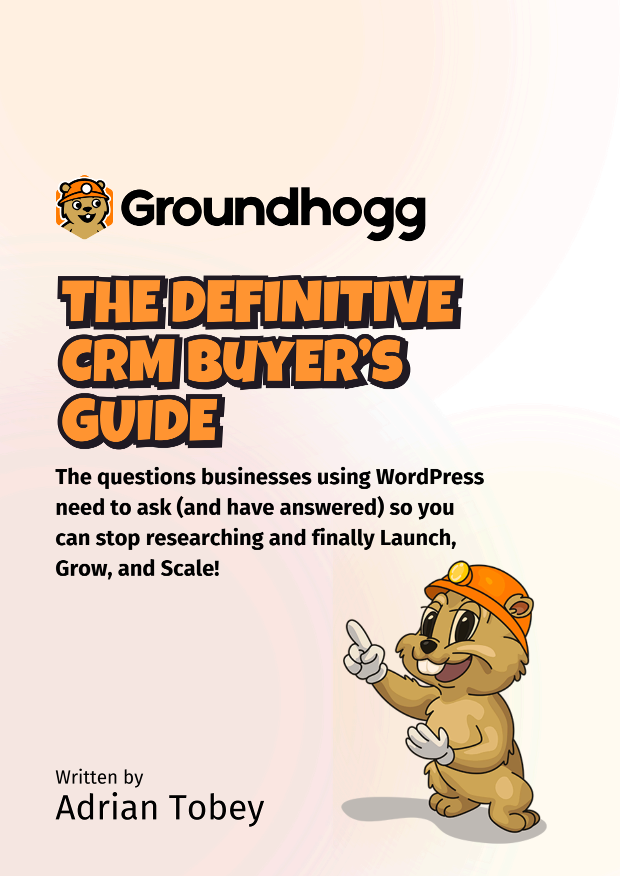

Choosing a CRM when your business runs on WordPress
If your website is built on WordPress, you already know the pattern. You talk to a sales rep who promises the world, you sign up, you sit through a couple of onboarding calls, and three months later you still can't point to a return. The Definitive CRM Buyer's Guide is written for small businesses, agencies and nonprofits that want to pick a WordPress CRM once, pick it well, and stop researching.
It is short on purpose. The author estimates about ten minutes of reading, and it works for two kinds of buyers. If this is your first time choosing a CRM, it gives you a clear way to decide without weeks of analysis paralysis. If you have been burned before, it helps you recognize the warning signs earlier this time.
The questions to ask before committing to a WordPress CRM
At its core, the document is a decision framework built around six questions every buyer should have answered before signing anything. They cover what the software actually does, how it connects to the tools you already use, what happens to your data, and whether the vendor will still suit you in a few years.
After reading, you'll be able to:
- Tell a genuine CRM apart from list management or email marketing tools that borrow the label
- Judge which marketing automation features you need alongside your contact records
- Spot when a "WordPress integration" will really mean paying for extra connector software
- Check how easily you can get your data out of a system, not only how easily it goes in
The guide also explains what "native" integration means in practice and why it matters so much for a site that serves as your business's front door. And it looks past the first few months, at the pain of outgrowing a simple tool and the opposite problem of a vendor that grows too complex or too expensive for you.
Support gets its own attention too. Documentation tells you how features work, but it rarely tells you what to do with them. You'll see which kinds of training and strategic guidance to confirm before you buy, so you aren't left assembling the furniture without instructions.
Small business CRM red flags and the self-hosting question
One of the most practical pages lists five small business CRM red flags to watch for during evaluation, from mandatory setup fees to implementation timelines that stretch into months. Each one comes with a plain explanation of why it should make you pause.
For readers weighing a self-hosted CRM against a SaaS subscription, the closing section answers the objections buyers raise most often: whether self-hosting is a sensible idea, what other costs to expect, whether WordPress is required, and what tradeoffs come with running the CRM on your own site. It also raises an uncomfortable point about SaaS terms of service and who really owns your contact data.
The guide is written by Adrian Tobey, founder of Groundhogg Inc., and he is upfront about it. A full disclosure on page three says he will make the case for Groundhogg, and he does, laying out why he thinks it checks the boxes. He is equally clear that other good options exist and that the questions apply to any vendor you are considering. That honesty makes the framework easy to use even if you end up somewhere else.
His comparison sticks: choosing a CRM is like buying a car you plan to keep for life. You want something reliable and affordable to maintain, not a new purchase every few months, because switching CRMs is painful and expensive.
Download the CRM buyer's guide
Get the full guide to see all six evaluation questions, the feature checklists for both CRM and marketing automation, the complete set of red flags, and the author's answers on self-hosting. It is a quick read that can save you weeks of trials and a costly switch later. Fill out the form to download your copy.