
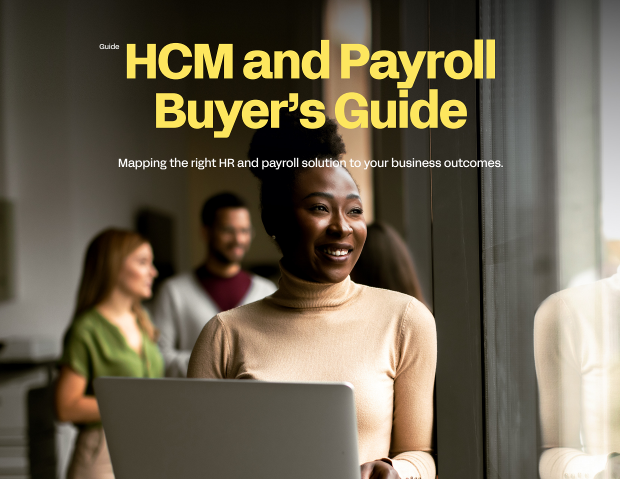
Replacing HR and payroll systems touches nearly everyone in the business. Payroll has to keep running, HR wants better data, finance wants reliable labor costs, and IT would rather not inherit another tangle of integrations. If your organization still depends on outdated, disconnected tools, the hard part isn't deciding to change. It's knowing how to run an HR and payroll software selection without missing something that matters later. This buyer's guide from Workday is written for the HR, payroll, finance and IT leaders who will own that decision.
Many solutions look alike in a sales presentation. The differences show up in how each vendor handles data, cross-functional processes, analytics, support and deployment. Those differences decide whether a new system reduces your workload or adds to it. Informed by hundreds of Workday customers, the guide gives you a structured way to define what you need, test vendors against it, and win approval for the change.
Start your HR and payroll software selection with outcomes, not features
Before any vendor demo, the guide makes the case for getting clear on your business drivers. You'll see how to frame your desired state, decide which internal and external pressures belong in scope, and narrow your priorities so the evaluation stays focused. It also covers who should be at the table. HR and payroll can't make this call alone, and you'll understand why bringing finance, operations and IT in early gives you a fuller picture of the problem.
From there, it introduces four factors for deciding which vendors deserve a closer look: strategy, AI philosophy, operations and technology. Treating AI philosophy as a selection factor in its own right gives you a practical way to question vendors about privacy, data protection and responsible use, rather than taking their claims at face value.
HCM vendor evaluation: demo questions and side-by-side comparisons
One of the most practical sections helps you prepare for vendor demonstrations. Instead of sitting through a generic walkthrough, you'll go in with outcome-driven scenarios and payroll vendor demo questions tied to situations your teams actually face, such as moving from workforce planning to hiring, getting new workers ready on day one, and connecting HR changes to pay and finance. For each scenario, the guide spells out the capabilities to look for and the benefit you should expect to see.
You'll also find a detailed comparison of two different models: a single platform for HR, payroll and finance versus traditional service bureaus and payroll providers. It sets them side by side on data, cross-functional processes, analytics, services and support, and deployment, so you can see where the trade-offs sit before committing to either approach.
Avoiding surprises in deployment and total cost
A good selection can still go wrong at implementation. The guide covers what to ask about a vendor's deployment methodology, how to judge the partners and consultants who will do the work, and what ongoing support should look like once you're live. It's direct about cost, too. Some vendors add fees after the contract is signed, and a solution that looks cheaper at the start can cost more over time. You'll know which hidden costs to raise before you sign anything.
When the evaluation is done, you still need leadership to say yes. The closing sections show how to build a business case that addresses cost, return on investment and the risk of doing nothing, and how to prepare for the follow-up questions that usually come next.
An HR capabilities checklist your business users can work from
The guide ends with an extensive HR capabilities checklist that business users can bring into vendor demos. It's organized by functional area, including:
- Core HCM and employee experience
- Local and global payroll software and compliance
- Workforce management software, scheduling and time
- Talent, recruiting, learning and workforce planning
- Analytics, total rewards and customer community
Each item explains why the capability matters, which makes it easier for people outside HR technology to judge what they're seeing and compare vendors on equal terms.
Download the HCM and Payroll Buyer's Guide to get the demo scenarios, the platform versus service bureau comparison, the deployment and cost questions, and the full capabilities checklist. Use it to run a sharper evaluation and walk into your leadership meeting with a recommendation you can defend.