

Sage 100 Contractor vs QuickBooks for growing construction firms
Plenty of contractors start out on QuickBooks, and for a while it does the job. Then the jobs get bigger and the change orders pile up. Retention, lien waivers, certified payroll and work-in-progress reporting start living in spreadsheets on the side. At that point the question becomes practical: what would you actually gain by moving to construction accounting software built for the trade? This Sage 100 Contractor vs QuickBooks data sheet answers that with a side-by-side feature chart.
It is written for owners, controllers and project managers at contracting firms who are weighing a switch, or who need a clear reference to build the case internally. Instead of broad marketing claims, it lines up specific capabilities and shows how each product handles them.
A contractor software comparison across four products
The chart compares Sage 100 Contractor (formerly Sage Master Builder) against three QuickBooks editions: Enterprise, Premier Contractor Edition and Online. That matters, because the gap between QuickBooks versions is real, and many buyers aren't sure which edition they are really measuring against.
Each feature is rated plainly. You'll see where a capability is fully supported, where it is limited, where it is missing, and where it depends on a third-party add-on. That last category is easy to overlook when you compare software licenses, yet it affects cost, integration and support once you are running real jobs.
The comparison is grouped around the way a construction business operates:
- Production work, including budgets and estimates, subcontracts, change orders and purchase orders
- Project management, scheduling and service management in the office and the field
- Construction accounting, from receivables and payables to payroll, equipment and inventory
- Analysis and reporting, estimating, and general items such as user capacity and working across company files
Where job costing software gets tested
The value of a chart like this is in the detail. General accounting tools can usually record a bill or cut a check. The harder question is whether they understand construction: how job costs flow to the general ledger, how retention is calculated and tracked, how change orders update budgets and subcontract balances, and how billing works for time and materials or AIA-style progress invoices.
The data sheet works through those situations line by line. On the payables side, it covers items like vendor insurance and compliance tracking, retention handling and payment review. On payroll, it looks at union and prevailing wage requirements, workers' compensation tracking and labor reporting against budget. For field teams, it addresses mobile access to project documents, daily reports and time collection, plus scheduling tools for tracking planned against actual progress.
Reporting gets its own section. If your bonding company, lender or leadership team keeps asking for cost-to-complete figures, over- and underbilling numbers or profitability by cost code, you'll be able to check exactly which product supports those reports and to what degree.
Estimating is covered too, with a focus on whether estimates connect to the rest of the system or sit apart from accounting and operations. For firms that rekey bid data into budgets and purchase orders, that section alone may explain where hours are being lost.
Why the format is useful
This isn't a long white paper. It's a compact reference chart produced by Sage and shared by RKL eSolutions, a Sage partner. You can scan it in a few minutes, mark the rows that matter to your operation, and bring it to a software review meeting. It also works as a checklist of questions to ask during any demo, so you can confirm that the capabilities your business depends on are built in rather than bolted on.
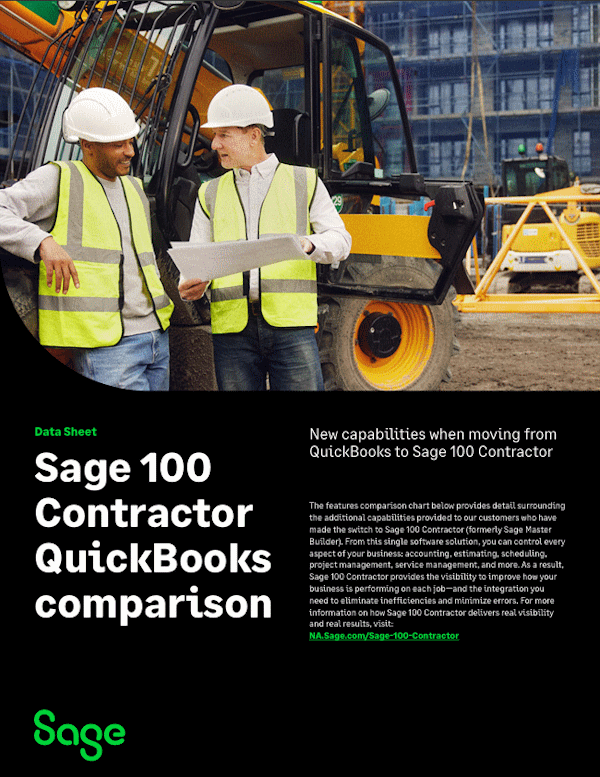
The opening page frames Sage 100 Contractor as a single system covering accounting, estimating, scheduling, project management and service management. The chart then shows what that means at the feature level, so you can judge for yourself which gaps affect your work.
Get the full Sage 100 Contractor features comparison
Download the data sheet to see every row of the comparison across Sage 100 Contractor and all three QuickBooks editions, covering production, project management, accounting, payroll, reporting and estimating. You'll have a clear, ready-to-share reference for deciding whether your firm has outgrown QuickBooks and what a move to construction ERP software would add.